



Lifestyle
Menu Snap
Free in your browser. Nothing to install.
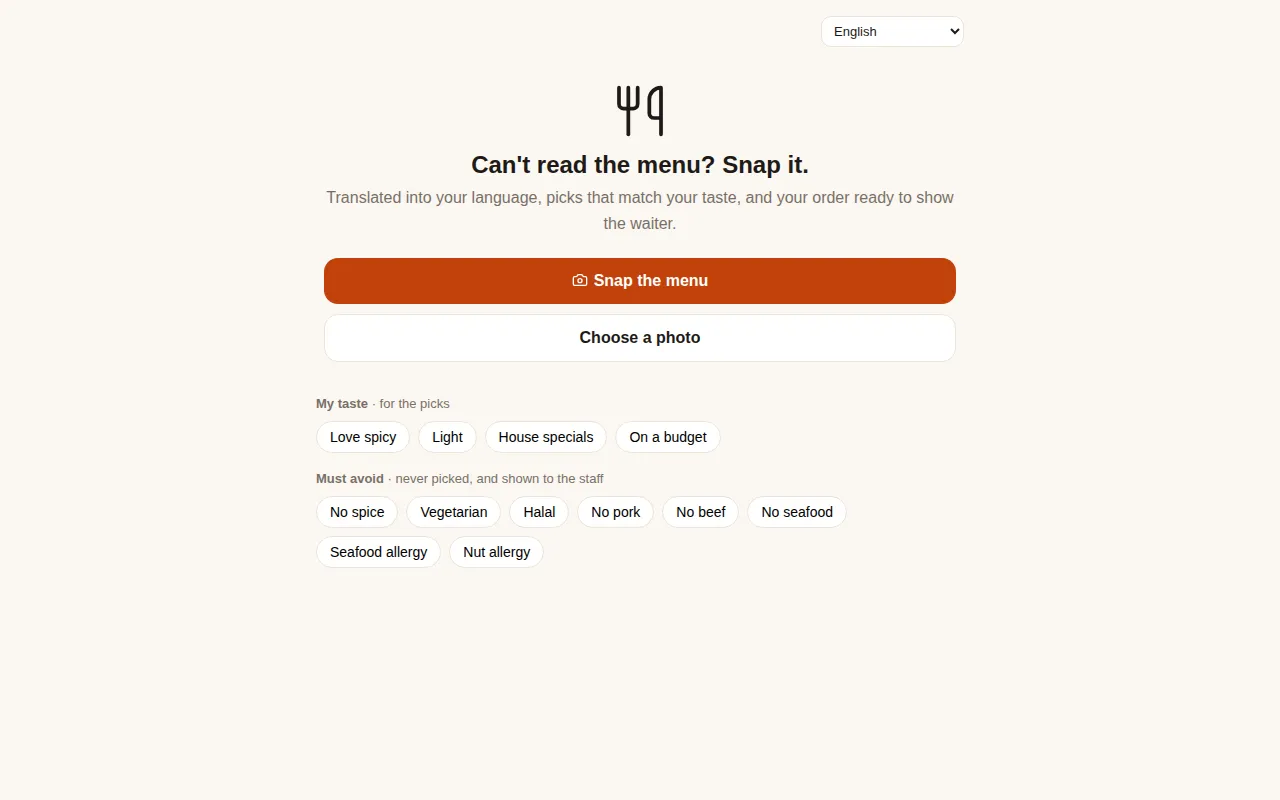
What you can do
Any menu, in your language
Snap a printed menu, a chalkboard or a screen, and every dish comes back translated, with what it is.
Picks that suit your taste
Say what you like, and it suggests dishes to try first, with the reason for each pick.
Your must-avoid list
Note what you must avoid: those dishes are never picked for you, and the list is shown to the staff with your order.
How to use it
Step 1
Take a photo of the menu, or choose one from your phone.
Step 2
Add your tastes and anything you must avoid.
Step 3
Choose your dishes and show your order to the waiter.
Questions
Which languages can Menu Snap read?
Menus in any language. Every dish is translated into the language you use the app in.
Can I ask about a dish before I order?
Yes. Ask anything, such as which dishes are not spicy or how much two people should order, and it answers about this menu.
Do I need to install anything?
No. Menu Snap opens in your browser, and you can add it to your phone's home screen like an app.
More mini apps
Harbor TalesAn interactive story where you make the choicesAbout Harbor Tales
Mix AnythingCombine things into new ones, and be the first in the world to make somethingAbout Mix Anything
Mystery ThingOne mystery a day. Find it with yes or no questions.About Mystery Thing
Pin the WorldA photo of a famous place. Pin where it is on the map.About Pin the World
Pixel WallOne shared wall. One pixel at a time. Paint it together.About Pixel Wall
Prompt HeistTalk the AI guard into giving up the passwordAbout Prompt Heist
Make your own mini app
Describe it in the chat